 Isolatedd
 Troubleshoot common problems
Quick checks for saving, media, links, email codes, and page access.
Updated October 10, 2026
Changes did not appear
Wait for uploads to finish, select Save Changes where the editor shows it, then reopen My Page. A fresh private window can help distinguish an old cached page from an unsaved edit.
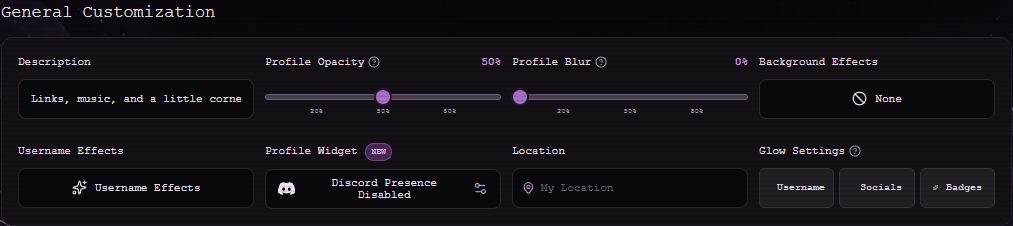
A background or audio file will not upload
Check the type and size shown in the uploader. Background video must be MP4 or WebM and no larger than 20 MB. Try a shorter compressed file or a still image. Audio uploads should be a format your browser can play.
Do not refresh while the upload is in progress.
A link opens the wrong page
In Links, use the pencil to inspect the saved URL. Paste the full address, including https://, then use the preview control. Some platforms require a complete profile path rather than only a username.
A page is unavailable
Check the public service status for an incident. If one browser fails while another works, clearing site data for only that Isolatedd subdomain may resolve stale access cookies. If the problem persists, send a ticket with the URL, browser, time, and error text.