 Isolatedd
 Getting started
Create your Isolatedd account
Choose a username, verify your email, and open your dashboard.
Updated October 10, 2026
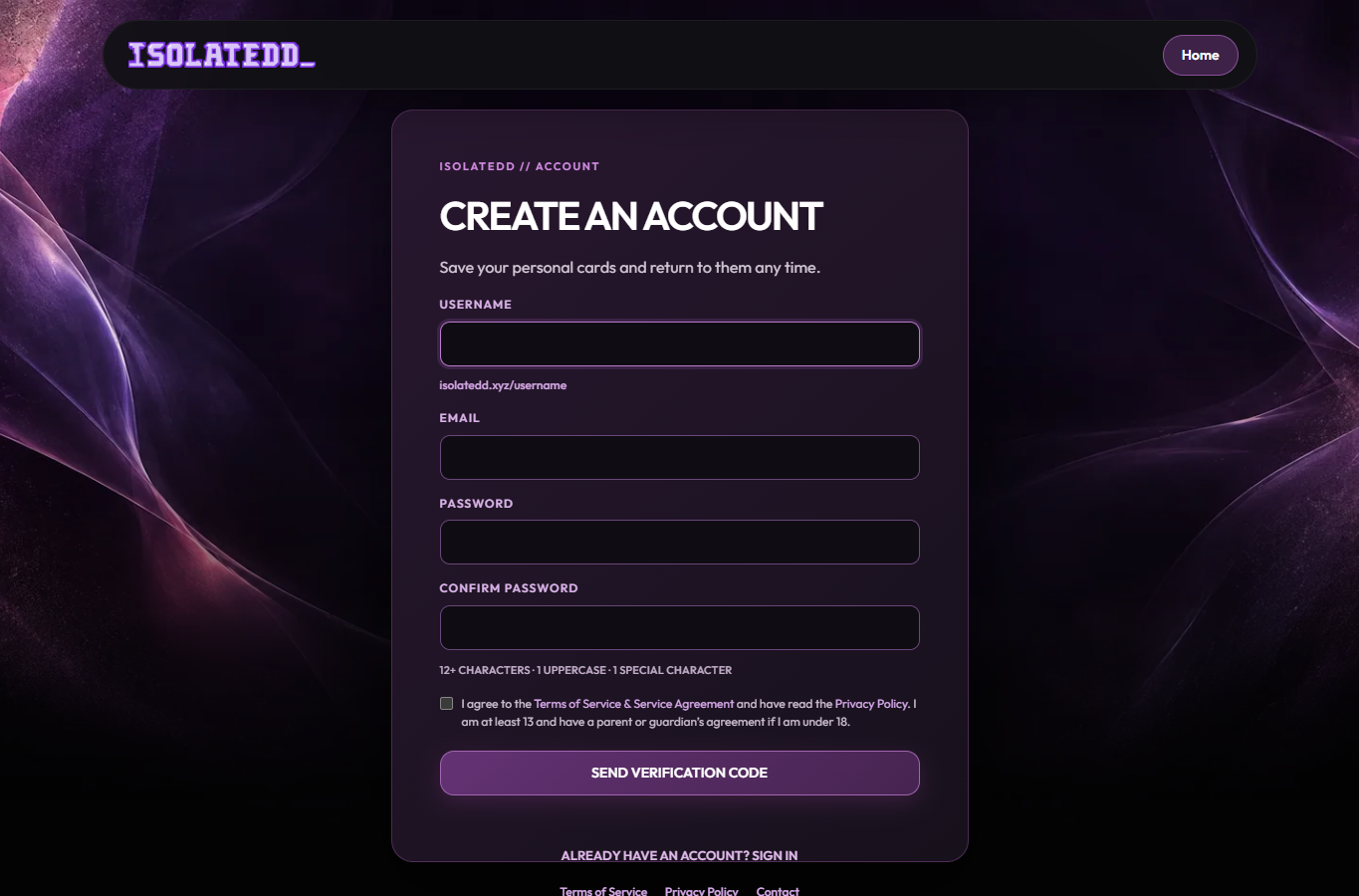
Claim a username
Your username becomes your public address: isolatedd.xyz/username. Choose one you are happy to share.
- Open the sign-up page and enter a username, email address, and password.
- Use 3–24 letters, numbers, underscores, or hyphens for the username.
- Submit the form. If the name is unavailable, choose another before continuing.
Verify your email
Isolatedd emails a six-digit code to the address you entered. Enter it on the verification screen to finish creating the account.
- Check your inbox for an email from verification@isolatedd.xyz.
- Enter the code while it is valid. If it has expired, request a new one.
- After verification, you can sign in and open Account Overview.
Note
If the code is missing, check Spam and confirm you entered the right address. The code expires after 15 minutes.
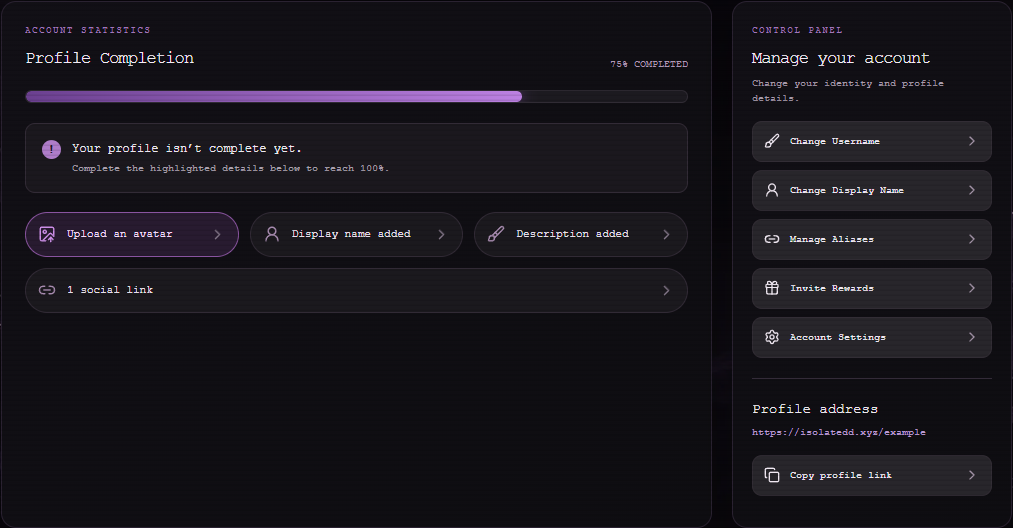
Set up your page
From Account Overview, add an avatar, description, and social links. Open My Page to see the public result. You can begin on the Free plan and decide on Premium later.