 Isolatedd
 Account & Premium
Reset your password
Recover access with the email address on your account.
Updated October 10, 2026
Request a reset
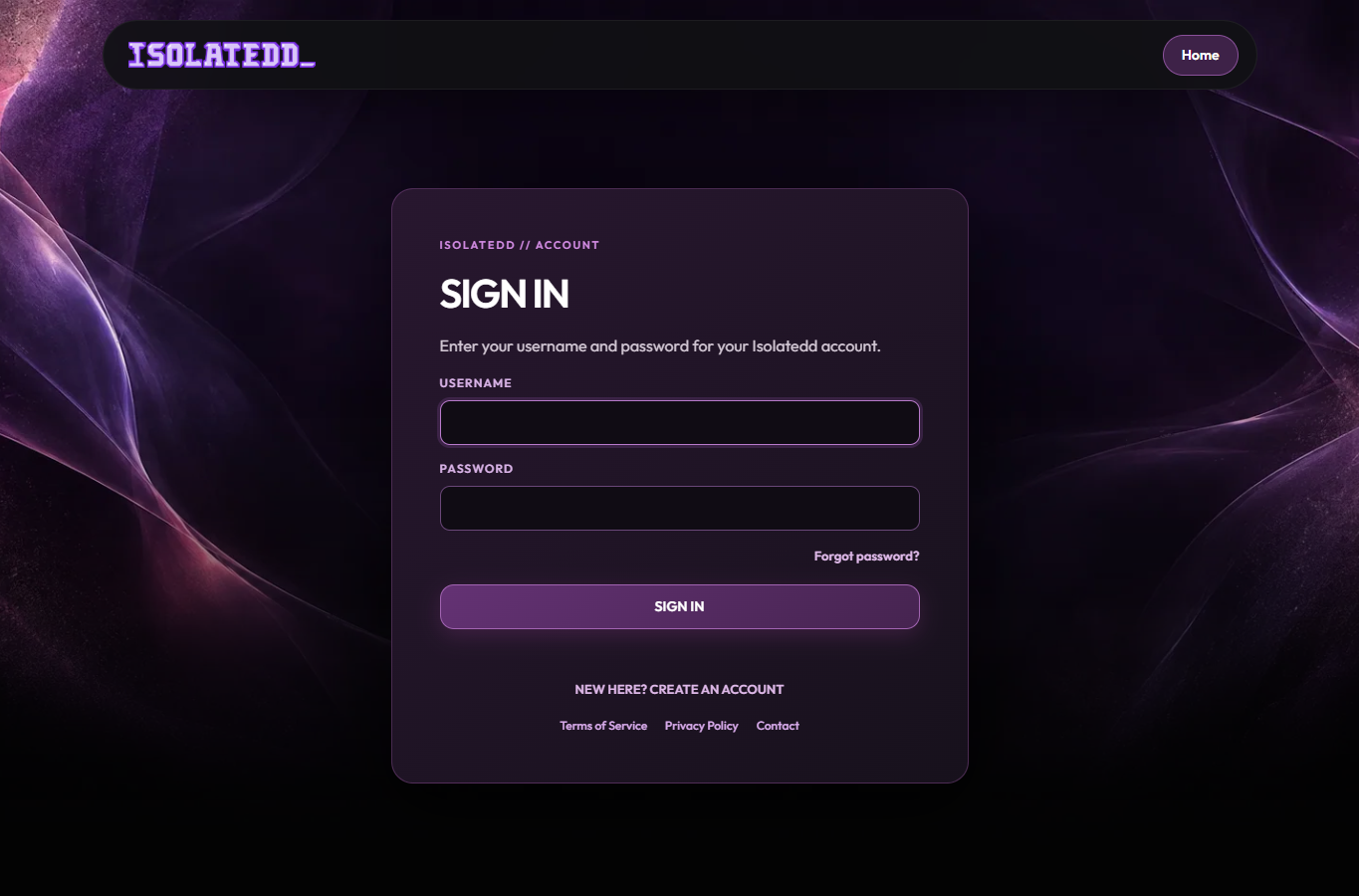
Use Forgot Password from the sign-in page and enter the email address associated with your account.
- Open the password reset page.
- Enter your account email and submit.
- Check for a message from recovery@isolatedd.xyz.
- Use the provided verification step to set a new password.
If the email does not arrive
Check Spam, wait a few minutes, and confirm you used the right email. For privacy, the request screen may not confirm whether an address has an account.
Note
Never send your password or email code to someone claiming to be support.
Still locked out?
Open a support ticket from Contact Center. Include your username and the issue, but not your password or code.