 Isolatedd
 Profile guides
Show your favorite games
Add games to a Premium second tab without making the whole page scroll.
Updated October 10, 2026
Add games
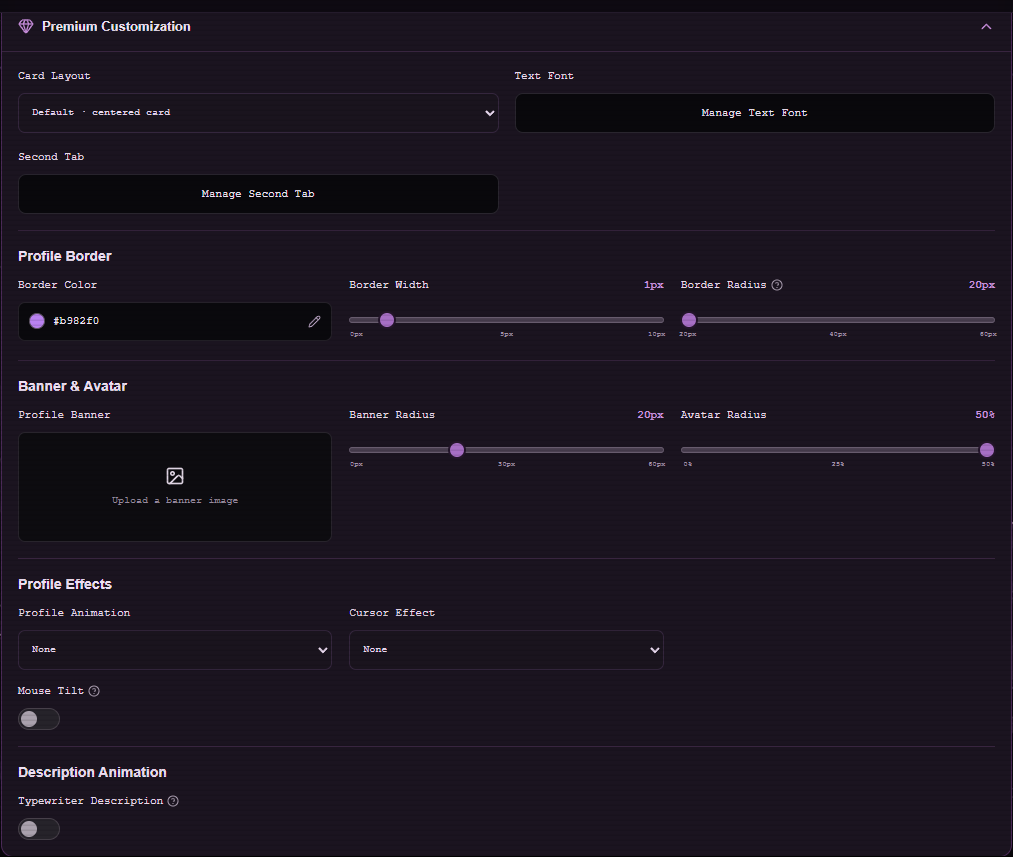
With Premium active, open Customize Profile → Premium Customization → Second Tab → Favorite Games. Add at least one game in the editor, then save.
- Choose Favorite Games from the Second Tab platform grid.
- Add the games you want to display.
- Select Save Changes and open your profile.
- Use the Games tab to see the result.
Check the layout
The profile only scrolls when its content needs extra room. If the Games view feels crowded, shorten labels or reduce the number of entries and preview on mobile.
Note
The Games tab and the main Profile tab share the same public URL.