 Isolatedd
 Profile guides
Set up a second tab
Add a second profile view for a platform or Favorite Games.
Updated October 10, 2026
Open Second Tab
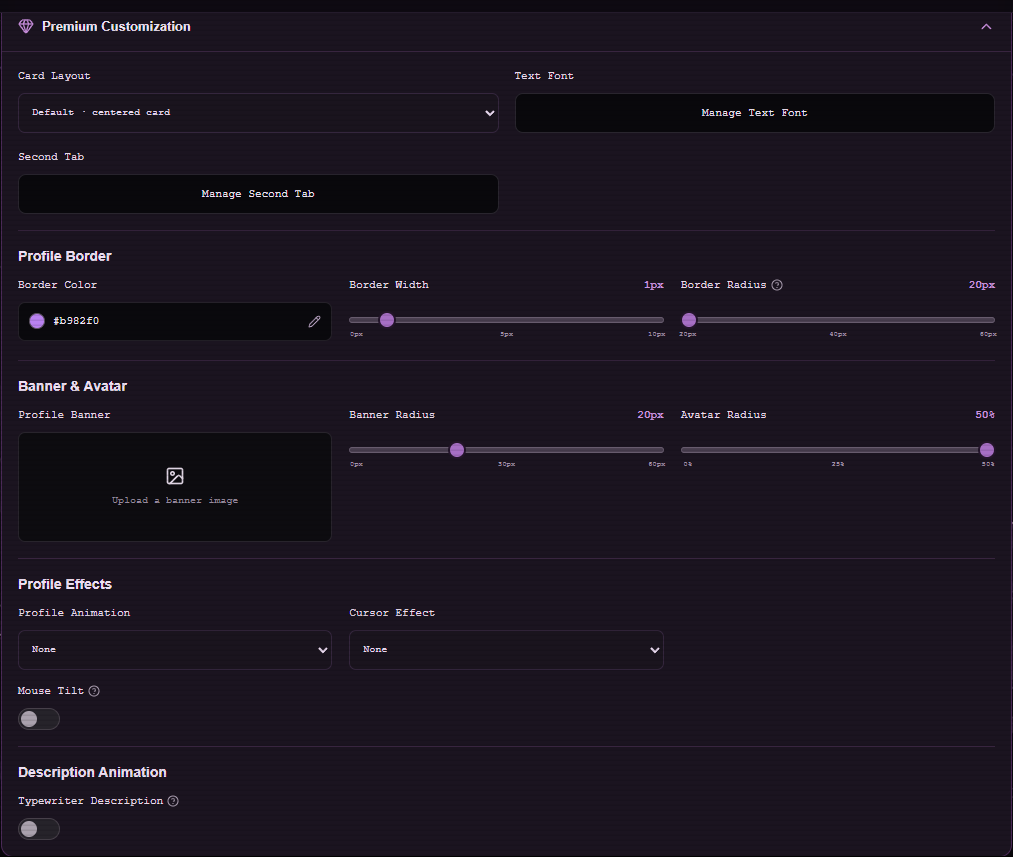
Second Tab is a Premium feature. In Customize Profile, expand Premium Customization and choose Manage Second Tab.
- Select a platform such as YouTube, Spotify, Discord, Telegram, Roblox, GitHub, or LastFM, or choose Favorite Games.
- For a platform, enter the URL requested by the editor. For Favorite Games, add at least one game.
- Select Save Changes and open your profile to switch between tabs.
Modern layout placement
On the Modern wide layout, the Show Widget in Second Tab setting can place an active profile widget there. Favorite Games keeps the widget on the Profile tab.
Note
Switching to the Games tab hides the audio player visually; playback continues.
Remove the second tab
Open Manage Second Tab and choose Disable Second Tab. Your main profile remains available.