 Isolatedd
 Account & Premium
Verify or change your account email
Keep the address used for account security up to date.
Updated October 10, 2026
Verify an address
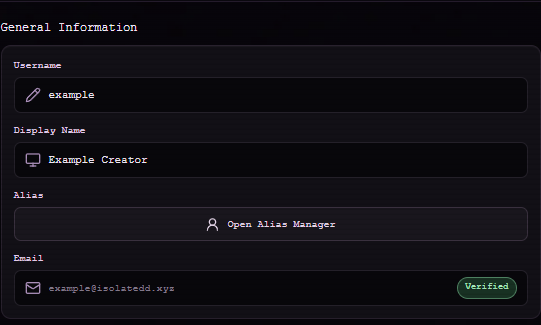
Account Settings shows the current email status under General Information. If verification is required, open Account Actions → Verify Email and request a code.
Change a verified email
Use Account Actions → Change Email. Enter the new address and your current password, then enter the six-digit code sent to the new address. Your old address stays in place until the new one is verified.
- Open Change Email.
- Enter the new address and your current password.
- Check the new inbox for the code from verification@isolatedd.xyz.
- Enter the code to complete the change.
Note
Do not share the code with anyone. If you no longer control the account, open a support ticket.