 Isolatedd
 Add a profile widget
Choose Discord Presence, weather, timezone, or a Premium Discord server card.
Updated October 10, 2026
Choose a widget
In Customize Profile → General Customization, select Profile Widget. Enable one of the available widget modes and save it.
- Open Profile Widget.
- Choose Enabled and select the widget type.
- Complete any required details and save changes.
- Open My Page to check the placement.
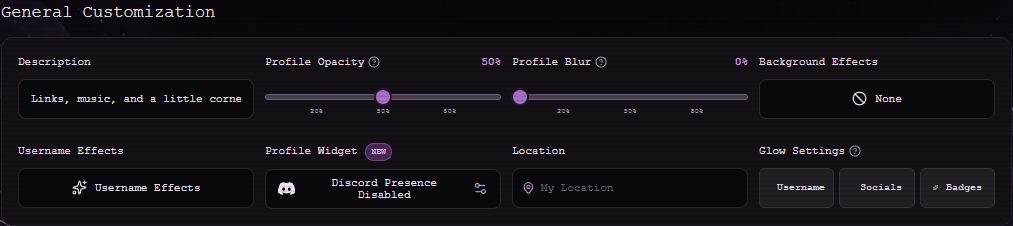
Discord Presence
Discord Presence uses a linked Discord account. Connect Discord in Account Settings first, then enable Discord Presence in Profile Widget. Presence visibility also depends on Discord and the presence provider.
The Discord Server widget is a separate Premium option. A disabled connection button means the integration is not currently available; do not enter a Discord password into Isolatedd.
Weather and timezone
Weather and timezone widgets show the corresponding detail on your public card. Check the preview after enabling one so its text fits your layout.