 Isolatedd
 Account & Premium
Manage profile aliases
Create alternate profile addresses that open your main page.
Updated October 10, 2026
Open Alias Manager
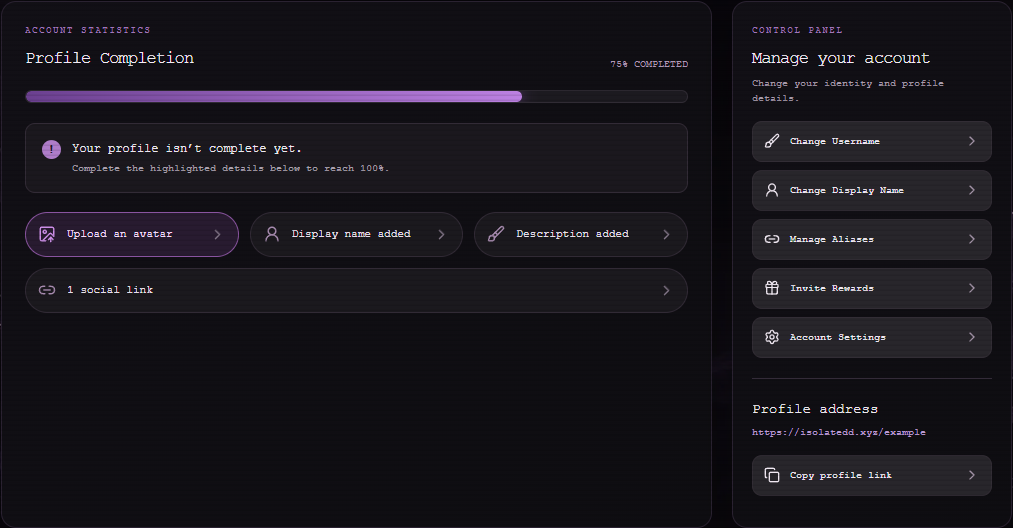
From Account Overview, select Manage Aliases. Account Settings also has an Open Alias Manager button.
- Open Alias Manager.
- Enter the alternate name you want to claim.
- Check availability and confirm the new alias.
- Open the new address to verify it leads to your page.
Understand your slots
Free includes one alias slot. Premium includes five. Additional alias credits may be available through the account UI. The dashboard shows aliases used and remaining creations.
Note
An alias is another address for the same profile; it does not create a second account.
Remove an alias
Open Alias Manager and use its remove control for an alias you no longer want. Verify you are removing the correct address before confirming.