 Isolatedd
 Account & Premium
Understand profile analytics
Read views, link clicks, referrers, devices, and countries.
Updated October 10, 2026
Open Account Analytics
Select Account Analytics in the dashboard sidebar. Account Overview also shows a quick view of recent traffic.
- Open Account Analytics.
- Use the available time range to review recent activity.
- Look at views and the charts first, then inspect clicks and where visitors came from.
What the numbers mean
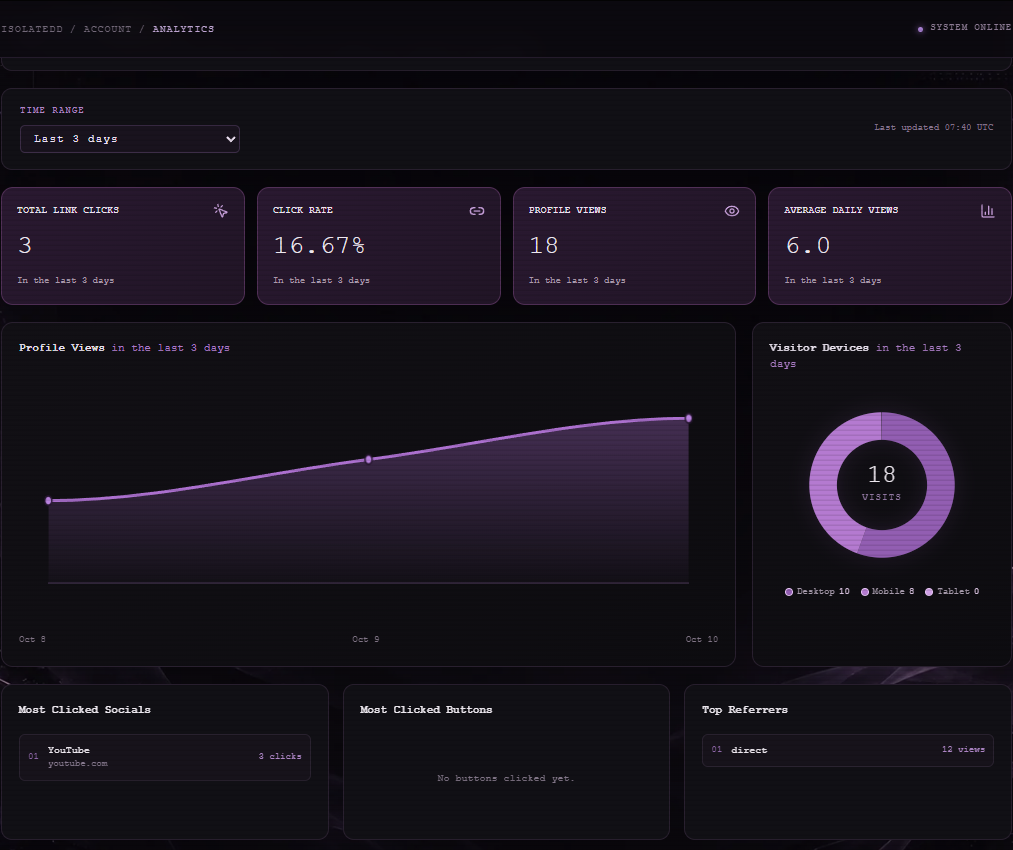
Profile Views counts visits to your page. Most Clicked Socials and Most Clicked Buttons show which destinations visitors used. Top Referrers reports the sites that sent traffic, and Top Countries by Views summarizes available location data.
Note
Free accounts can select up to 7 days of history; Premium accounts can select up to 14 days. A new page may show empty sections until traffic arrives.
Limits of the data
Device and country totals depend on what the browser and network reveal. Analytics are useful for trends, but they are not a list of individual visitors.