 Isolatedd
 Profile guides
Build scroll sections
Add up to three extra full-screen sections to a Premium page.
Updated October 10, 2026
Open Scroll Sections
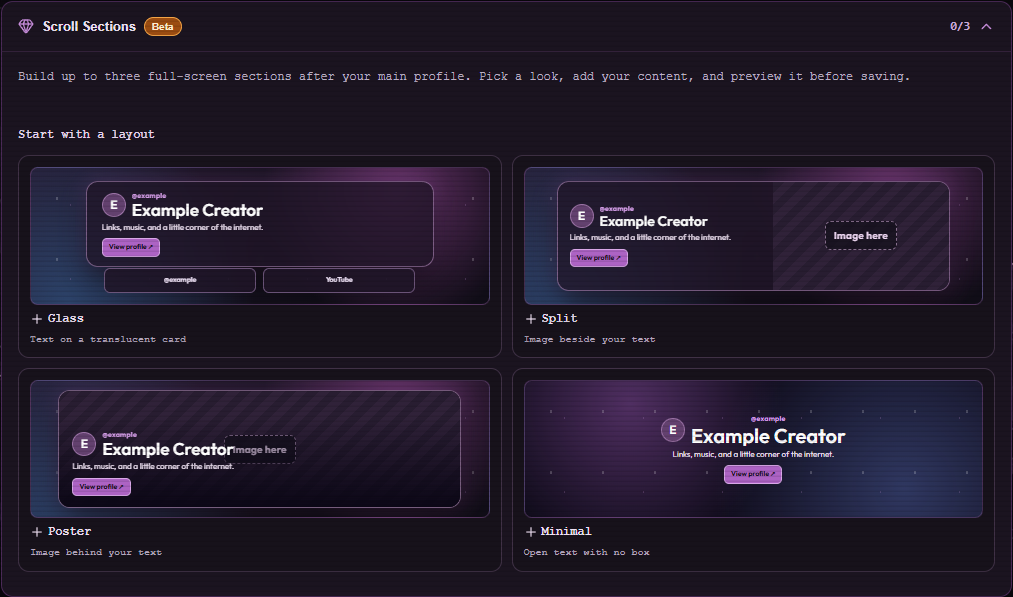
Scroll Sections is a Premium beta feature in Customize Profile. It adds extra full-screen panels with their own content and design; a page with no extra panels should remain a single-screen profile.
- Open Customize Profile and find Scroll Sections below Premium Customization.
- Add a section and choose its layout, images, links, colors, and effects.
- Save Changes, then open My Page and scroll through the new panels.
Plan your sections
You can add up to three extra sections. Put the strongest content first and use short labels so each section feels deliberate on mobile.
Note
This feature is in beta. Preview at desktop and phone widths after editing.