 Isolatedd
 Getting started
Share your profile
Find your public URL and check the page before posting it.
Updated October 10, 2026
Copy your profile URL
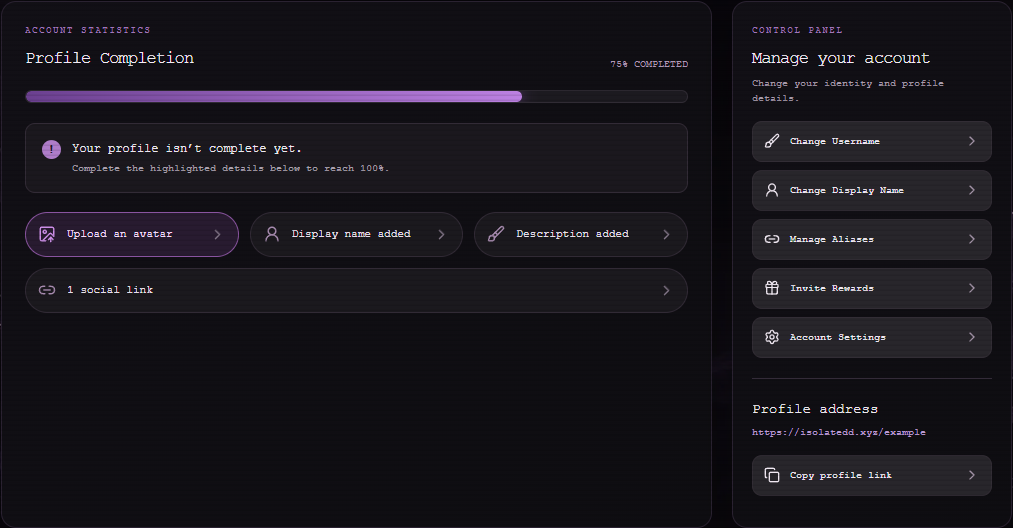
Your address is isolatedd.xyz/your-username. Account Overview shows it in the Manage your account panel with Copy profile link. Share Your Profile in the sidebar gives you another way to copy it.
- Open Account Overview.
- Select Copy profile link.
- Paste the URL into your bio or message and open it once to confirm it works.
Check your public page
Open My Page from the bottom of the dashboard sidebar. Make sure your avatar, social icons, audio, and mobile layout look the way you expect.
Note
If an uploaded background is still processing, wait for it to finish before sharing.